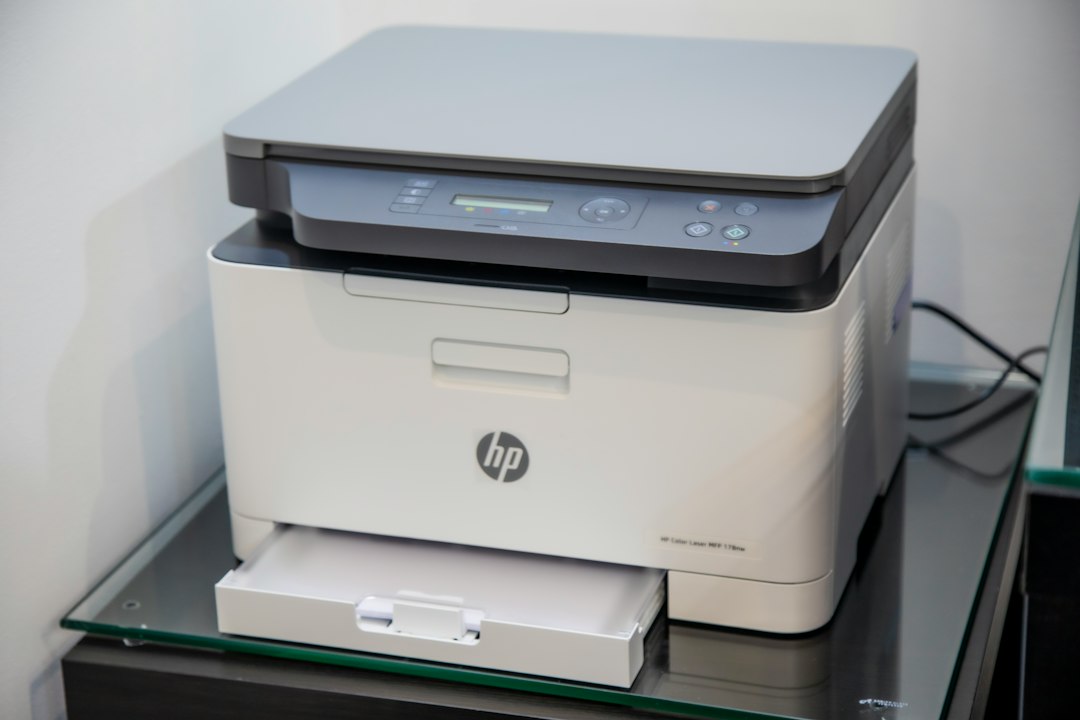

HP 303 cartridges are made for specific printer families, not for every HP printer that happens to accept the same number. Confirm the complete printer model in the manual, printer menu, or manufacturer documentation. Also compare the precise cartridge code, since standard and higher-capacity versions may use different identifiers. A cartridge can look right and fit the holder yet be rejected by the printer because its electronic identification does not match. Package color and a general description such as “for HP printers” are poor substitutes for checking the model before purchase. A saved photo of the printer label can prevent a rushed ordering mistake.
Black text usually depends heavily on the black cartridge, but a printer may use color ink in some graphics or image-processing tasks. A document that looks black on screen can contain colored elements, shaded charts, or photographs that draw from the tri-color cartridge. That cartridge has separate sections for cyan, magenta, and yellow, so one depleted section can distort an otherwise acceptable image. Do not confuse the cartridge with the printhead, which places droplets on the paper. A dirty or partially blocked printhead can leave bands and gaps even after a new cartridge is installed.
The stated page yield is an estimate, not a promise that applies equally to every household. Testing uses a defined pattern, while actual consumption changes with font size, coverage, paper type, cleaning cycles, and the number of photographs printed. Someone who prints a few invoices each month may keep a cartridge for a long period. A student printing illustrated assignments can use the same supply much faster. A short letter with light text places a different demand on the cartridge than a full-page image. Compare your usual work with the cartridge capacity rather than treating the yield figure as a fixed deadline.
Remanufactured cartridges deserve a careful comparison rather than an automatic rejection or endorsement. Their performance depends on the cleaning, refill, testing, labeling, and quality control applied to the used unit. Check that the product is intended for your exact printer and that the seller clearly states its condition. A defined return or support policy is useful if the cartridge is not recognized or produces poor output. Original and remanufactured options can each suit different budgets and print volumes. Review hp 303 ink choices alongside expected use, color demands, cartridge capacity, and confidence in the supplier.
An ink-low warning is often an estimate drawn from cartridge usage or information held by the cartridge chip, rather than a direct measurement of every remaining drop. A printer may continue to print briefly after the alert, but fading text is a practical sign that replacement should not wait until an important boarding pass or work form is due. If a newly installed cartridge is reported as missing or incompatible, remove it and inspect the protective tape. Check that the contacts are clean, reinstall the cartridge firmly, and avoid touching the nozzle or copper contact area with your fingers.
Storage and routine handling affect the result after you make the right selection. Leave an unused cartridge sealed until needed, keep it upright in a moderate indoor environment, and protect the ink outlet from contact with dust or fingers. An opened cartridge may dry around the nozzle and create gaps. A printer left idle for several weeks may need a cleaning cycle, though repeated cleaning uses ink and should not replace correct installation. Before ordering, compare the model number, cartridge code, and listing details as part of your cartridge compatibility check. That habit reduces avoidable returns and gives you a better chance of producing a clean page on the first attempt.