
A dependable barcode scanner updates inventory immediately when an item is scanned at checkout. This real-time update helps prevent selling products that aren’t actually in stock and keeps stock levels accurate without manual counts. Retailers often rely on this to avoid running out unexpectedly or holding too much inventory, both of which impact profits. The software usually connects directly to inventory management systems, so each sale or return is recorded automatically.
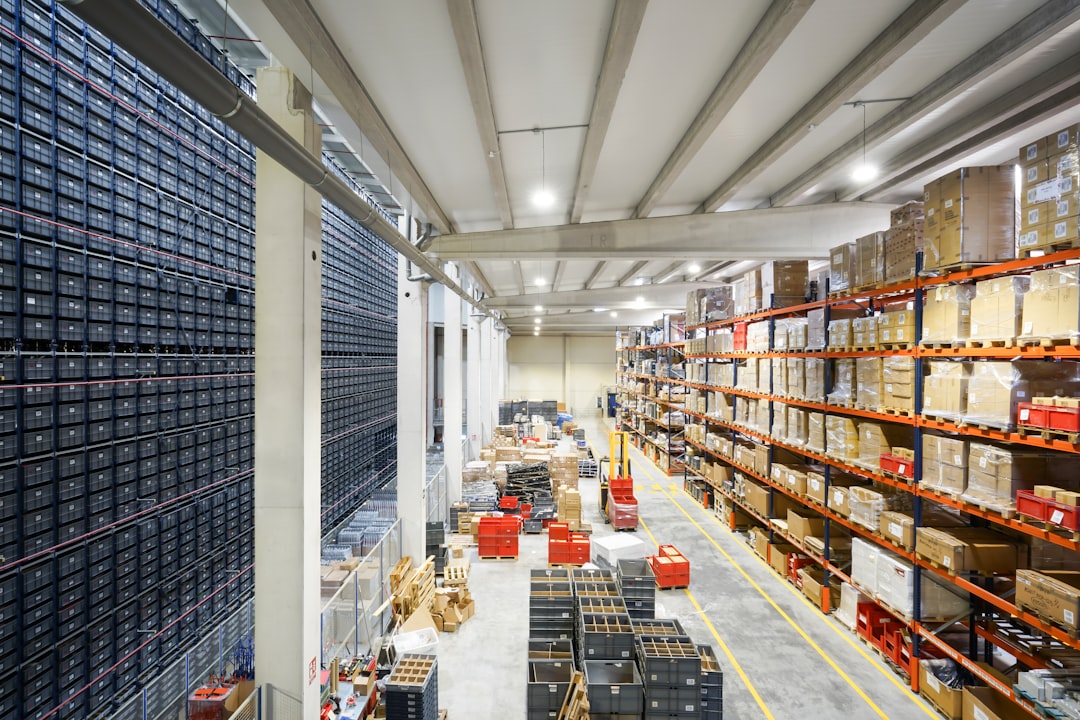
Think about a warehouse handling thousands of items daily. Without good scanning tools, employees waste time hunting for products or manually logging shipments. Barcode scanner software transforms this by speeding up locating products and confirming orders before shipping. Warehouse workers can scan boxes to verify contents quickly, reducing errors and delays. It’s common for warehouses to use specific barcode formats that match their inventory system, so compatibility matters.
Many modern scanners include Bluetooth capabilities, allowing them to pair with smartphones or tablets. This mobility lets sales staff or warehouse personnel check stock levels or prices anywhere on the floor without returning to a fixed terminal. For example, a sales rep can verify availability while talking to a customer, avoiding lost sales due to uncertainty. Using mobile devices also cuts down on hardware costs and improves flexibility.
Barcodes come in different types, such as QR codes and UPC codes, each suited for different industries and needs. Choosing scanner software that supports the right formats is critical. Some businesses may need multi-format scanners because they handle diverse products or packaging styles. It’s common for staff to confuse barcode types, so training them on which scanner settings to use avoids scanning errors and slows.
As you look at barcode scanner software, remember that training is just as important as the technology itself. Even the most advanced system won’t help if employees don’t know how to use it properly. Regular training sessions, including hands-on practice and refreshers, reduce mistakes and speed adoption. A simple habit like double-checking scanned items before finalizing a transaction can prevent costly errors.
Beyond basic scanning, these systems often offer data analytics features. Businesses can track which products sell fastest or identify patterns in returns and stock turnover. These insights inform smarter purchasing decisions and help adjust pricing or promotions accordingly. For instance, noticing a sudden spike in demand for certain items might prompt quicker restocking or targeted marketing efforts.
Every company’s barcoding needs differ depending on size, industry, and workflow. Consulting with someone familiar with your specific operations can help tailor a setup that fits without unnecessary complexity. A small retailer won’t need the same system as a large distribution center. Clear communication between management and staff about goals and challenges ensures the right features get prioritized. Checking documentation from your current inventory system can reveal technical requirements that must be met.
If you want to explore options tailored to your business, consider reaching out to providers who offer inventory tracking services in new zealand. They can provide advice based on real-world experience with similar companies, helping you avoid common pitfalls and choose equipment that matches your daily tasks.